Best Digital Playgrounds for Artists Vol. 1
Archaeological Report
- Status: Active ✅
- First Spotted: September 2026
- Rarity: 💎 Legendary
Want to find something even weirder?
SPIN THE WHEELCurator's Note
This week's roundup is for anyone who's opened a blank canvas and thought "now what." These four sites all shave down the distance between an idea and a finished visual, whether that's bending a birthday message around a circle, grabbing a 3D icon instead of hunting for the perfect stock photo, or just not screwing up your Instagram carousel dimensions for the hundredth time. None of them ask much of you before they're useful, which is exactly the kind of digital playground we like to point you toward.
Curved Text Generator
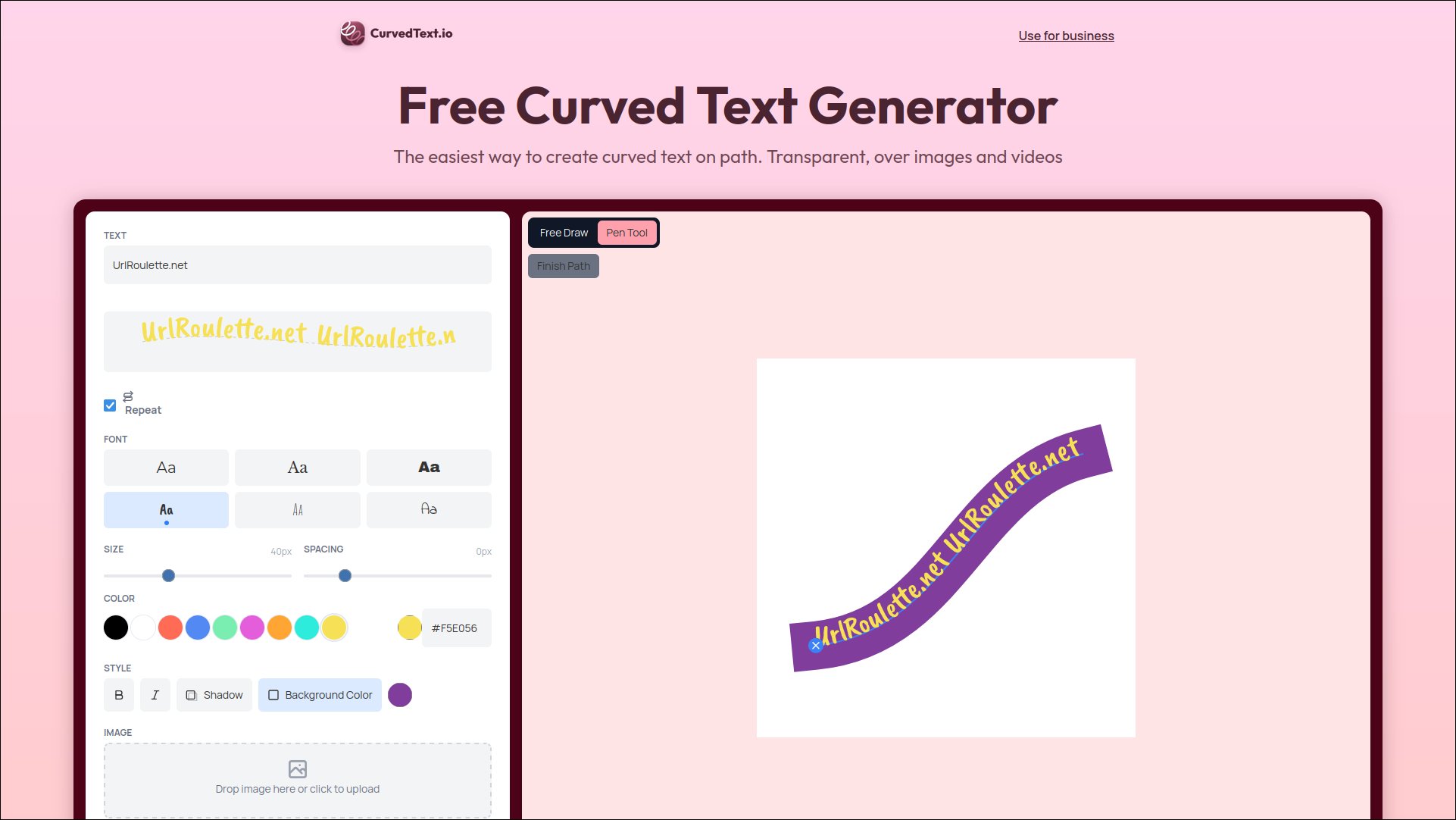
There's something satisfying about a tool that does one thing and does it well. Curved Text Generator lets you draw literally any line, circle, arc, or wave, and your text bends to follow it, no design degree required. Over 39,000 people have apparently used it enough to export something, which tracks for a tool this immediately gratifying.
It's not just for logos, either. You can upload your own image or video and draw curved text directly over it, which makes it a sneaky-good pick for TikTok and Reels text overlays, invitation cards, or that one YouTube thumbnail that needs a little extra pop. Forty-plus fonts, a handful of special effects like 3D bubble and outline, and even one-click animation round it out.
Note: URL Roulette is not responsible for the contents of external links.
Thiings
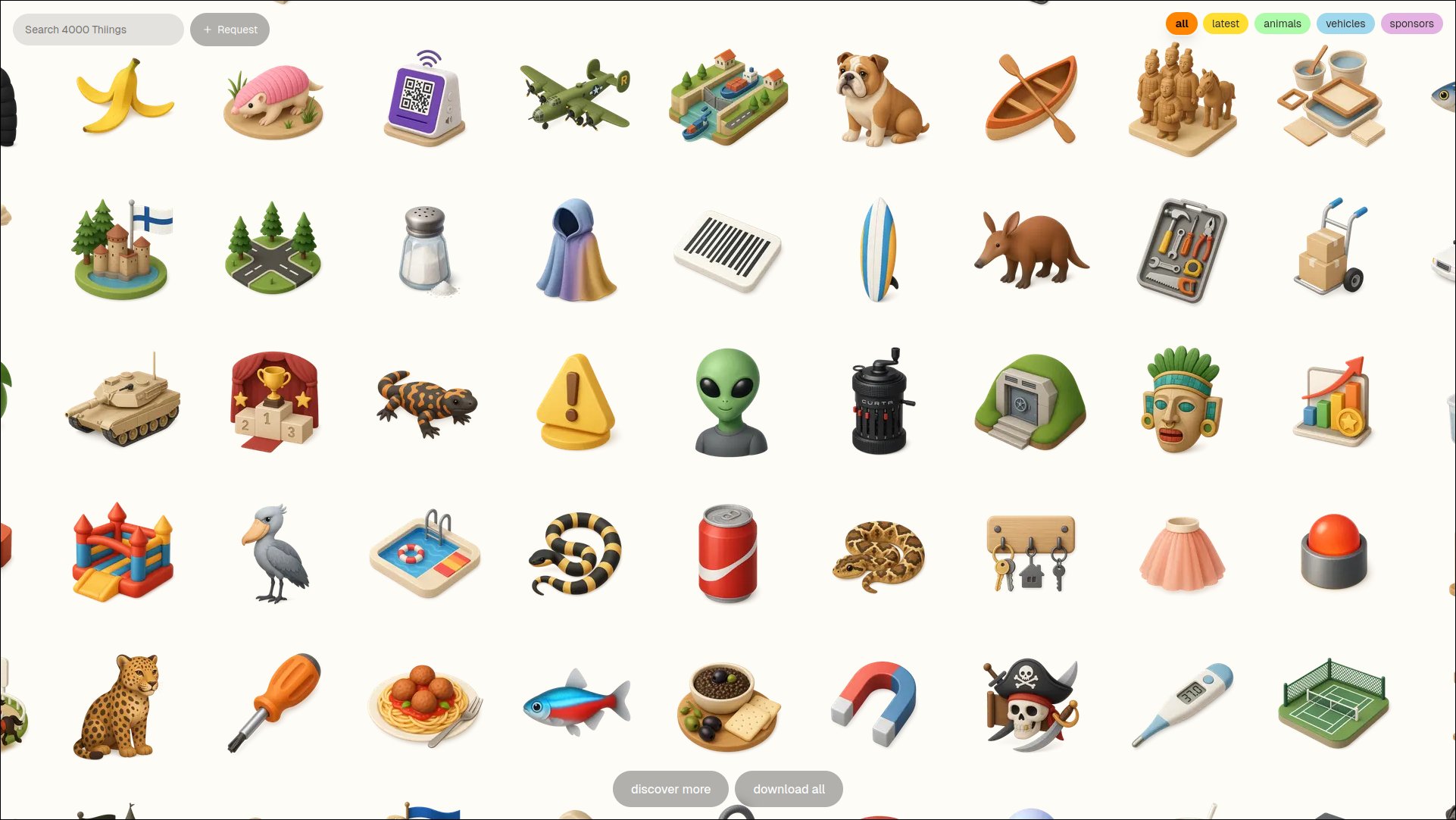
Thiings is a collection of over 10,000 AI-generated 3D icons, and browsing it feels a bit like wandering through a very well-organized toy store. Everything has that soft, rounded, slightly glossy look that's become its own visual language lately, and the sheer range of "things" covered means you'll probably find whatever oddly specific object you're after.
You can download individual icons free for personal projects, or grab a lifetime commercial license if you want to use the whole library in client work. Either way, it's a nice shortcut past the usual stock-icon fatigue.
Note: URL Roulette is not responsible for the contents of external links.
Media Cheat Sheet
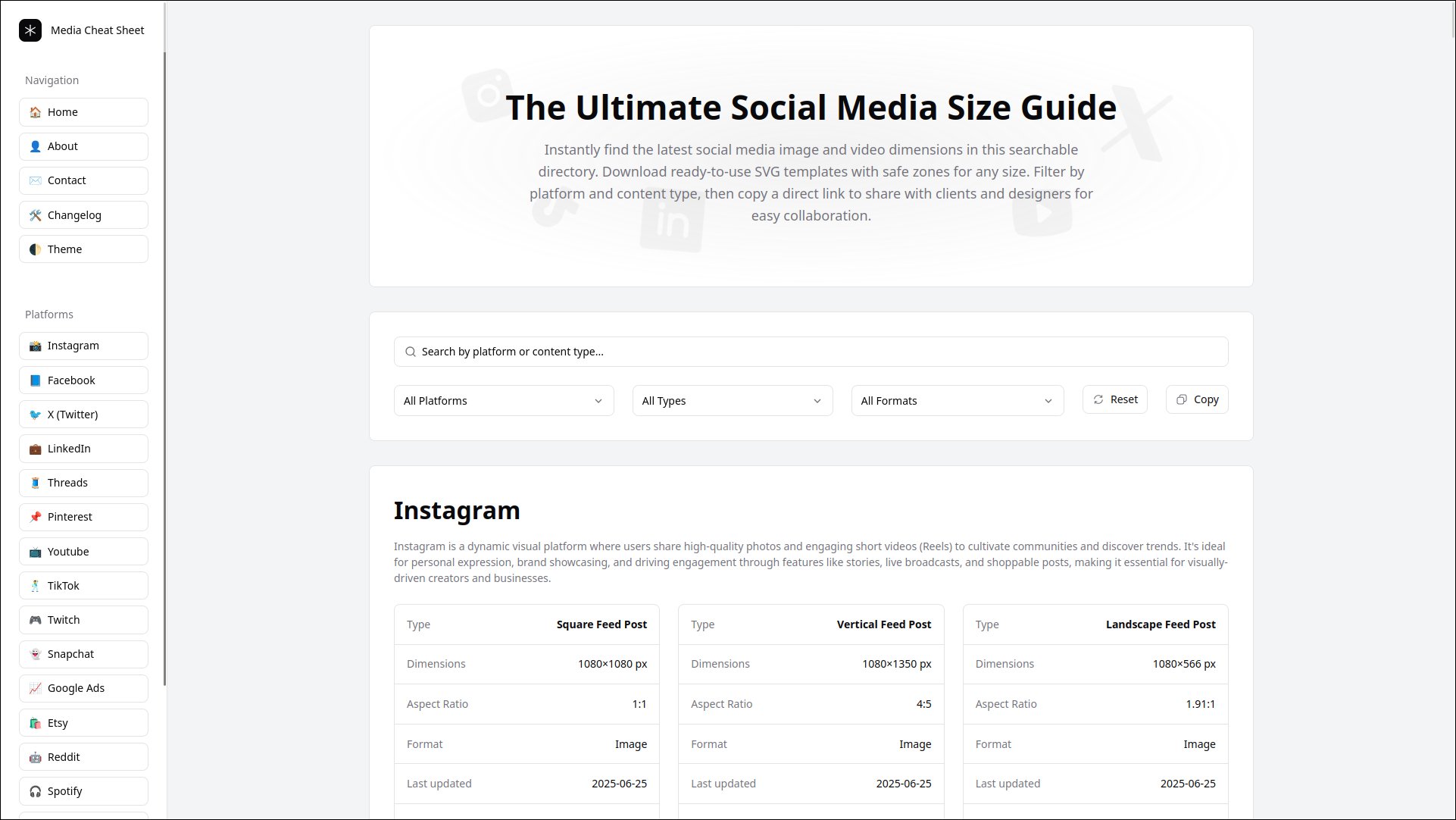
Less "playground," more "the tool you didn't know you needed until you needed it" - Media Cheat Sheet is a searchable directory of image and video specs across 25 platforms, from Instagram and TikTok to Substack and Nextdoor. If you've ever guessed at an aspect ratio and hoped for the best, this is the antidote.
It's genuinely thorough: Facebook alone has 44 specs covering images, videos, and carousels, and there's a three-step flow that takes you from finding the right format straight to a production-ready file. Handy to bookmark if you make anything meant to be posted somewhere.
Note: URL Roulette is not responsible for the contents of external links.
Formia
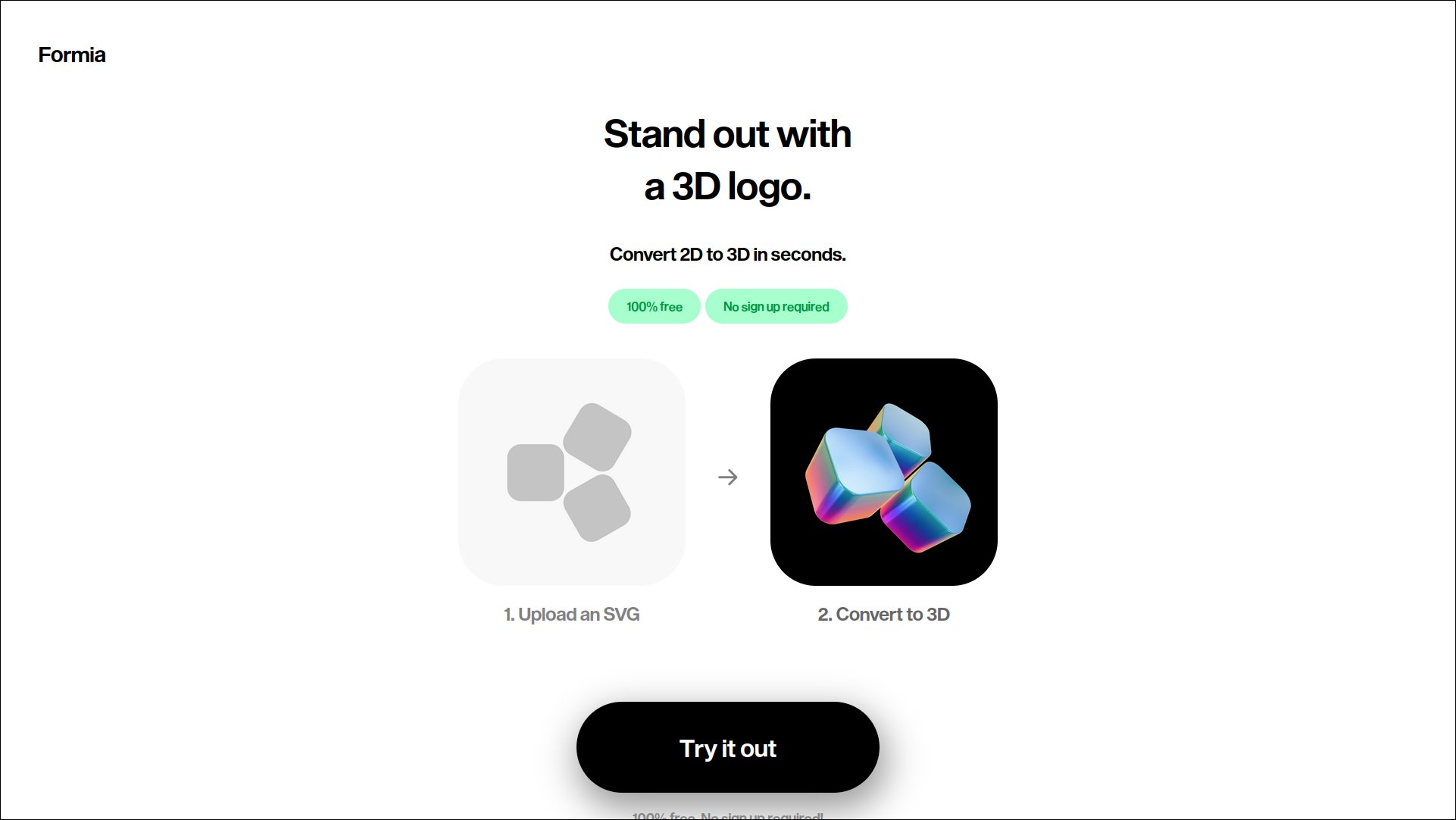
Formia bills itself as a 2D to 3D logo maker, turning a flat mark into something with depth and dimension. We weren't able to pull much readable detail from the page itself, so take this one as a lead worth clicking rather than a fully scoped review.
If the premise appeals to you, it is worth poking around. You can give an existing logo literal depth without opening a 3D modeling program. You should see what the interface actually offers.
Note: URL Roulette is not responsible for the contents of external links.